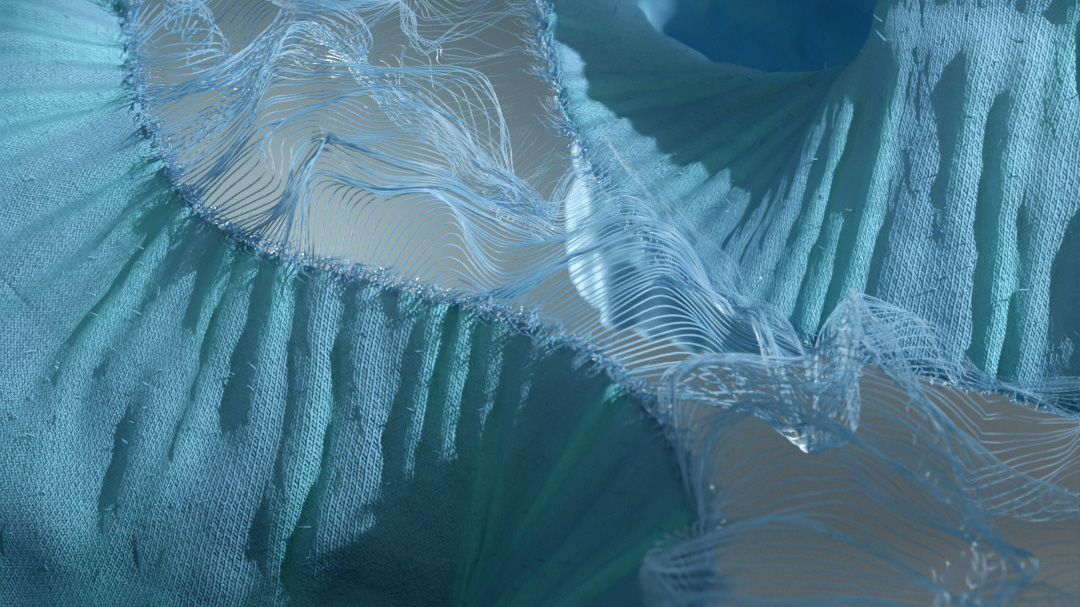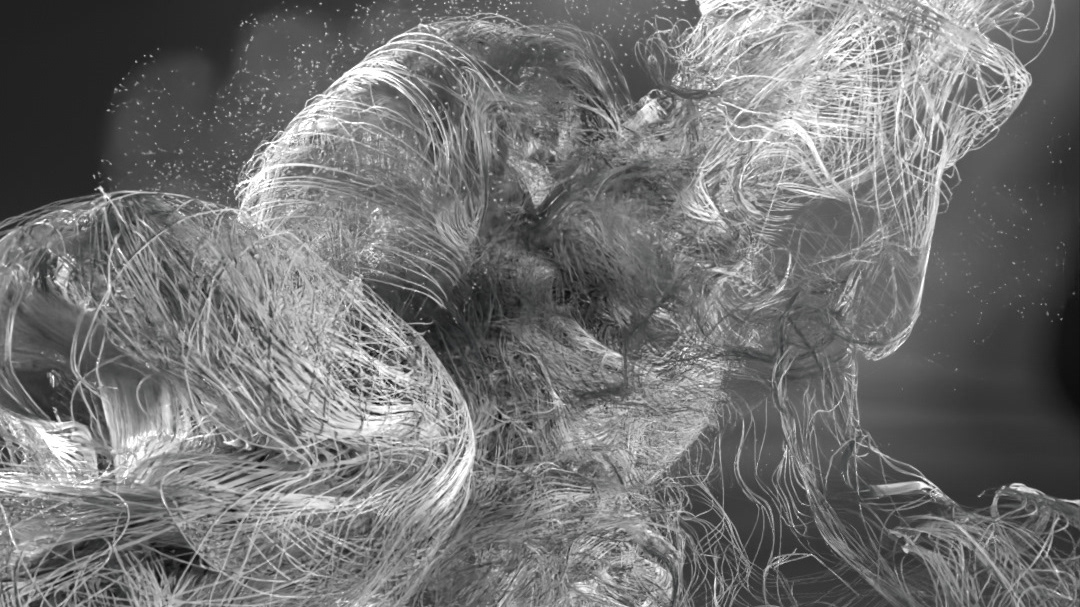


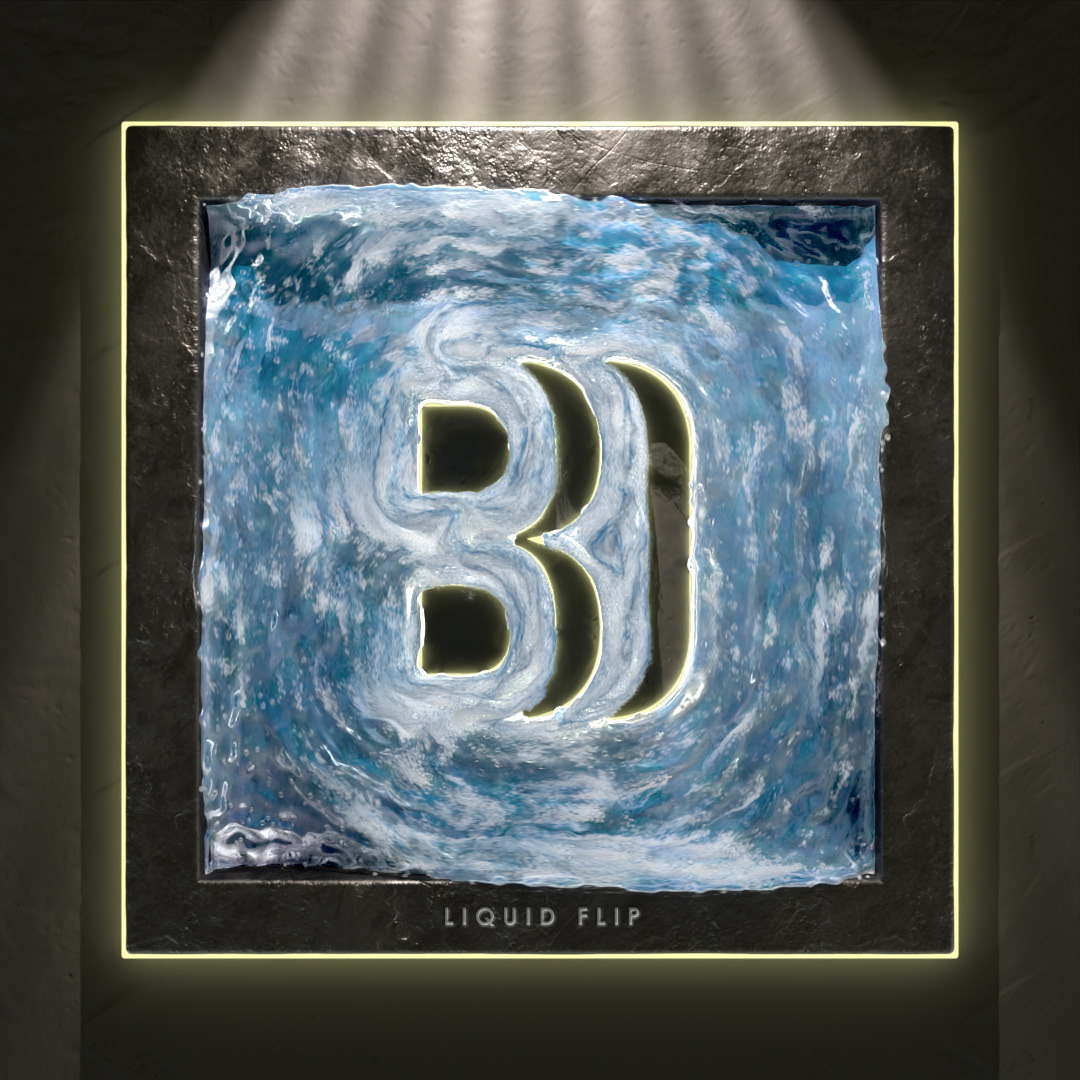
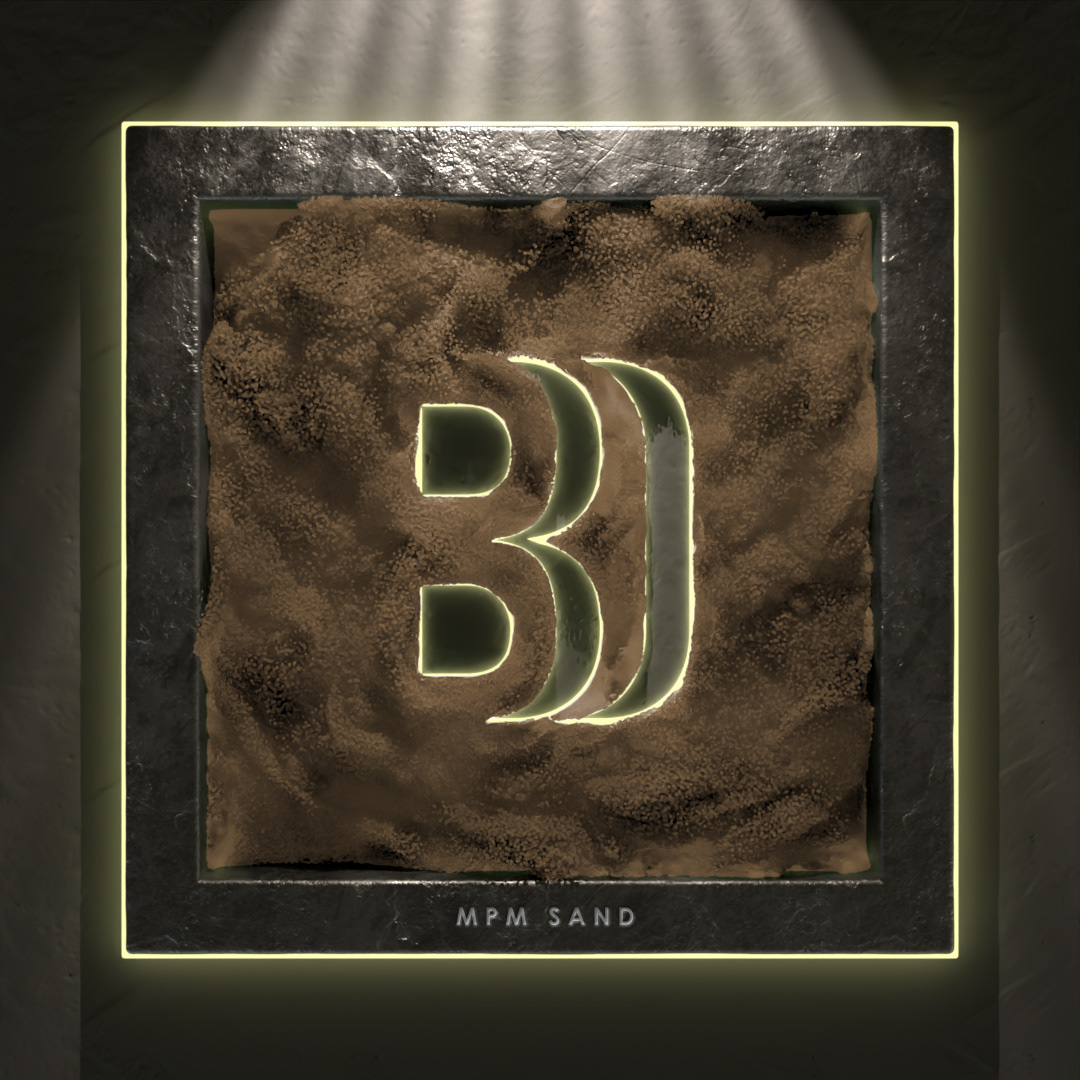
Fun test to apply the velocity field to Any Simulation
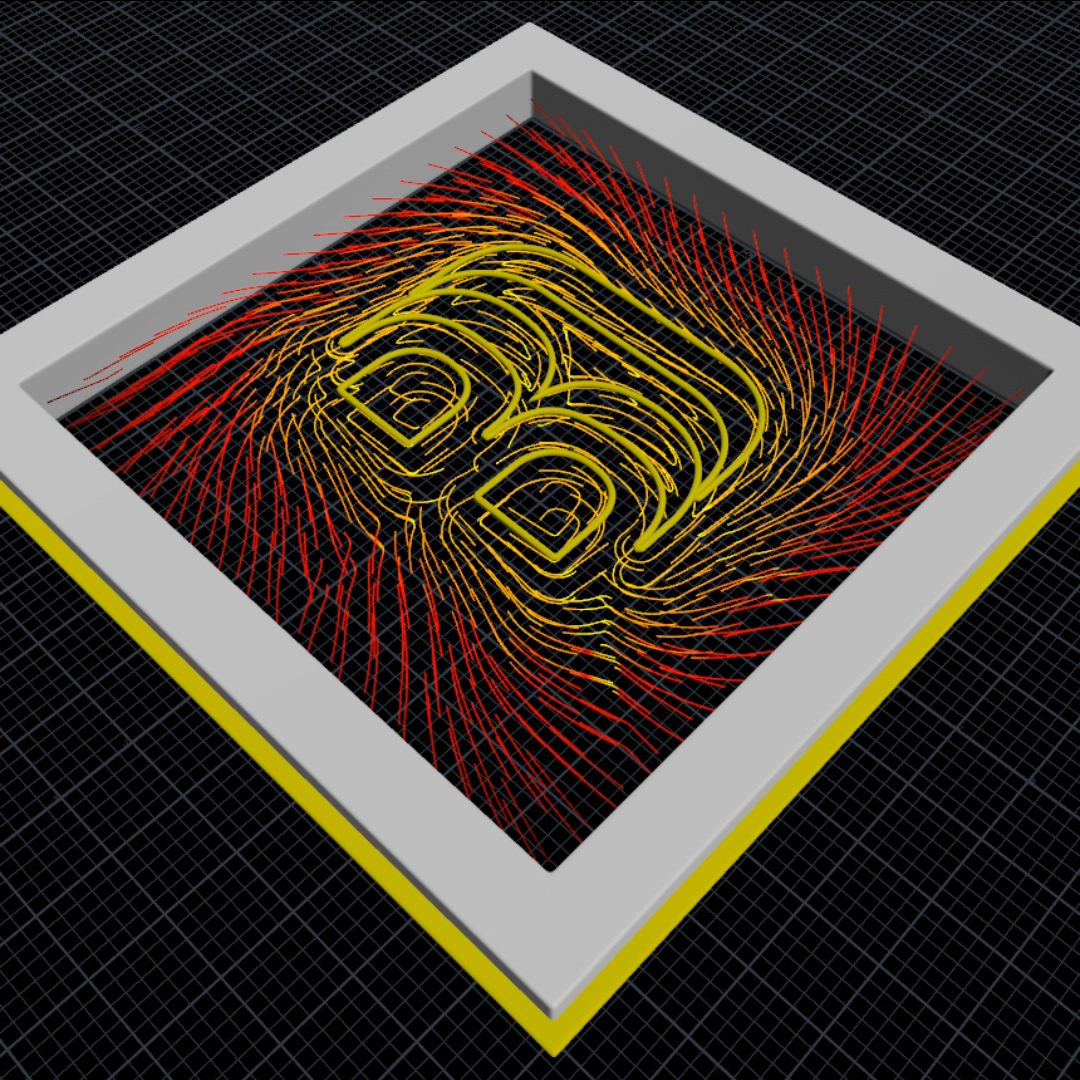
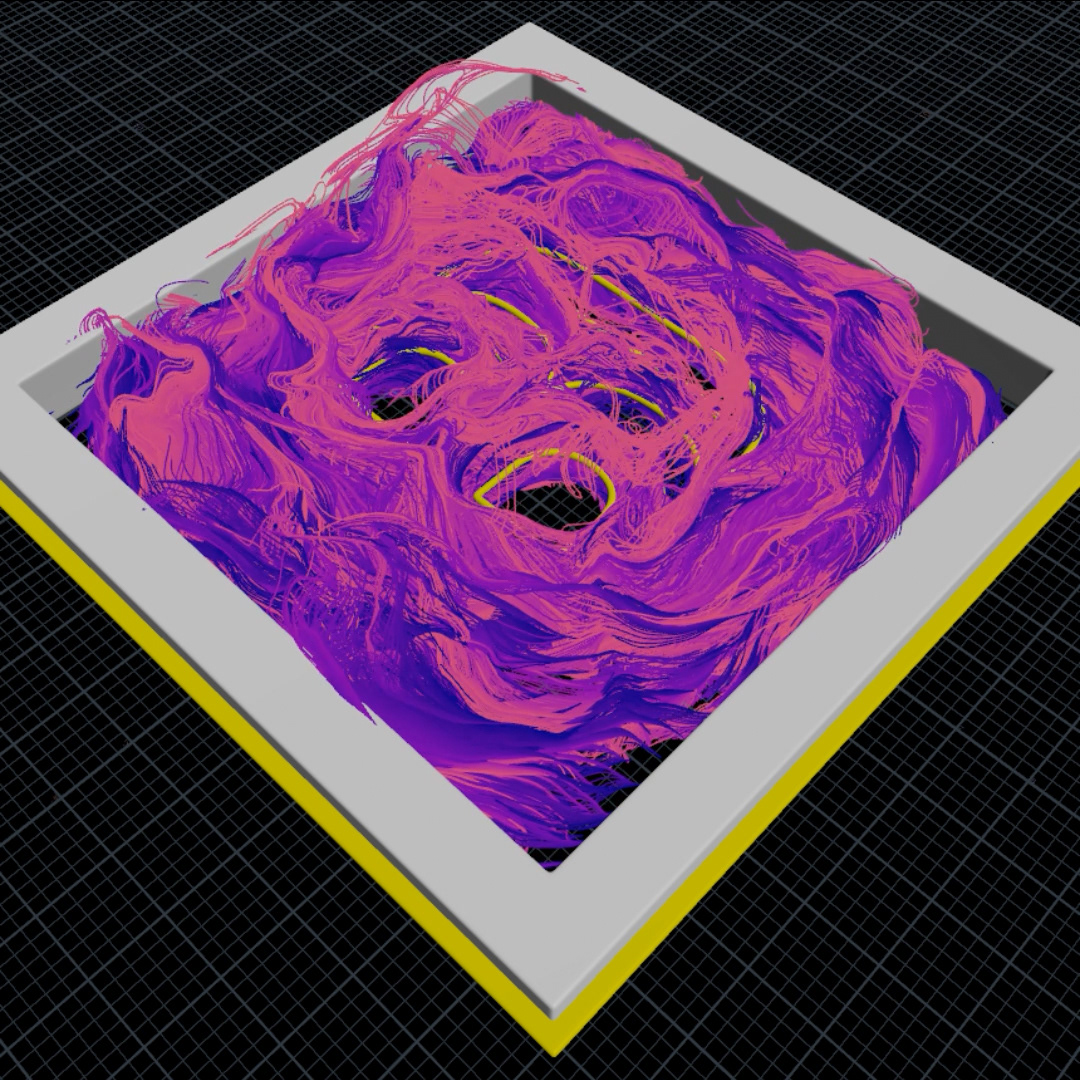
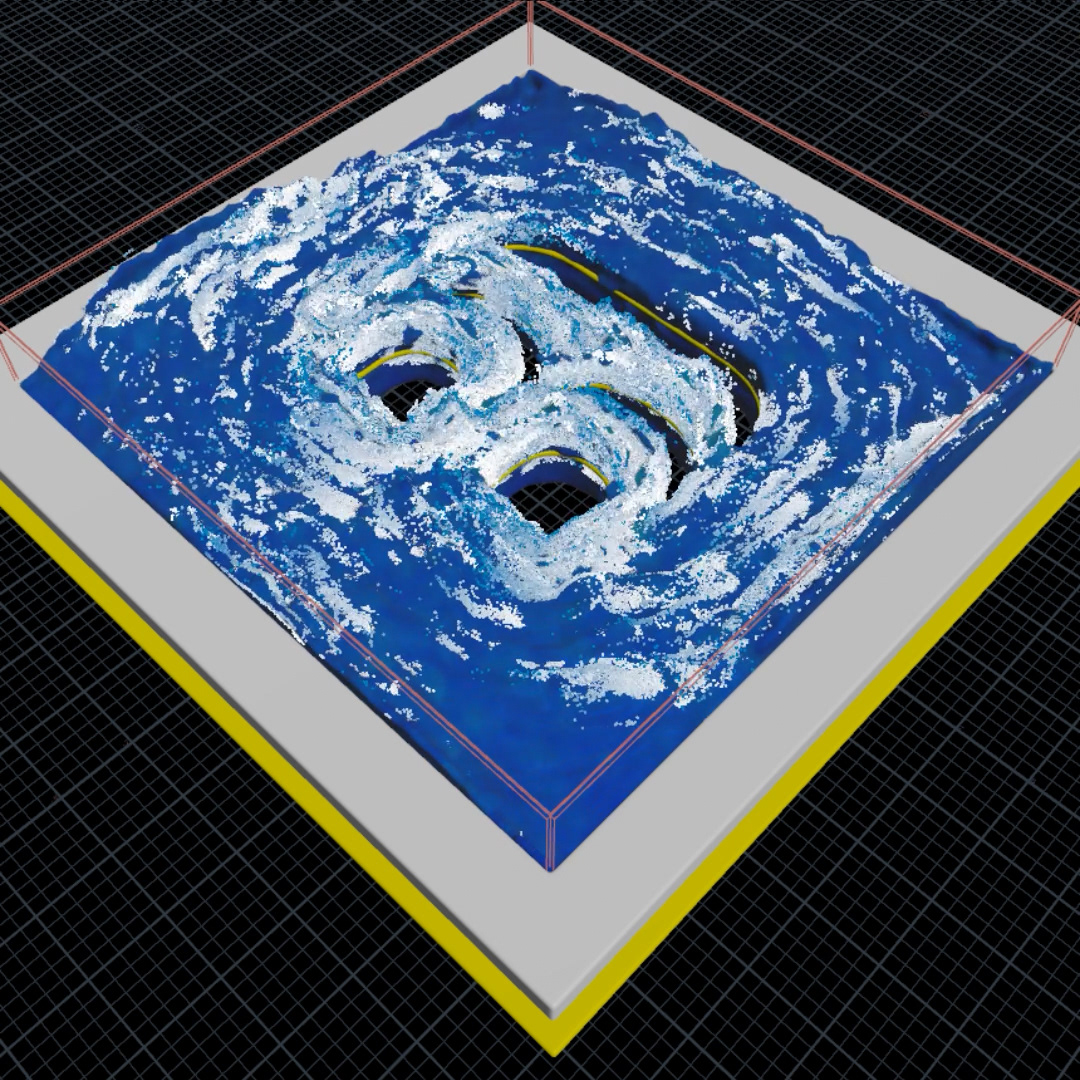
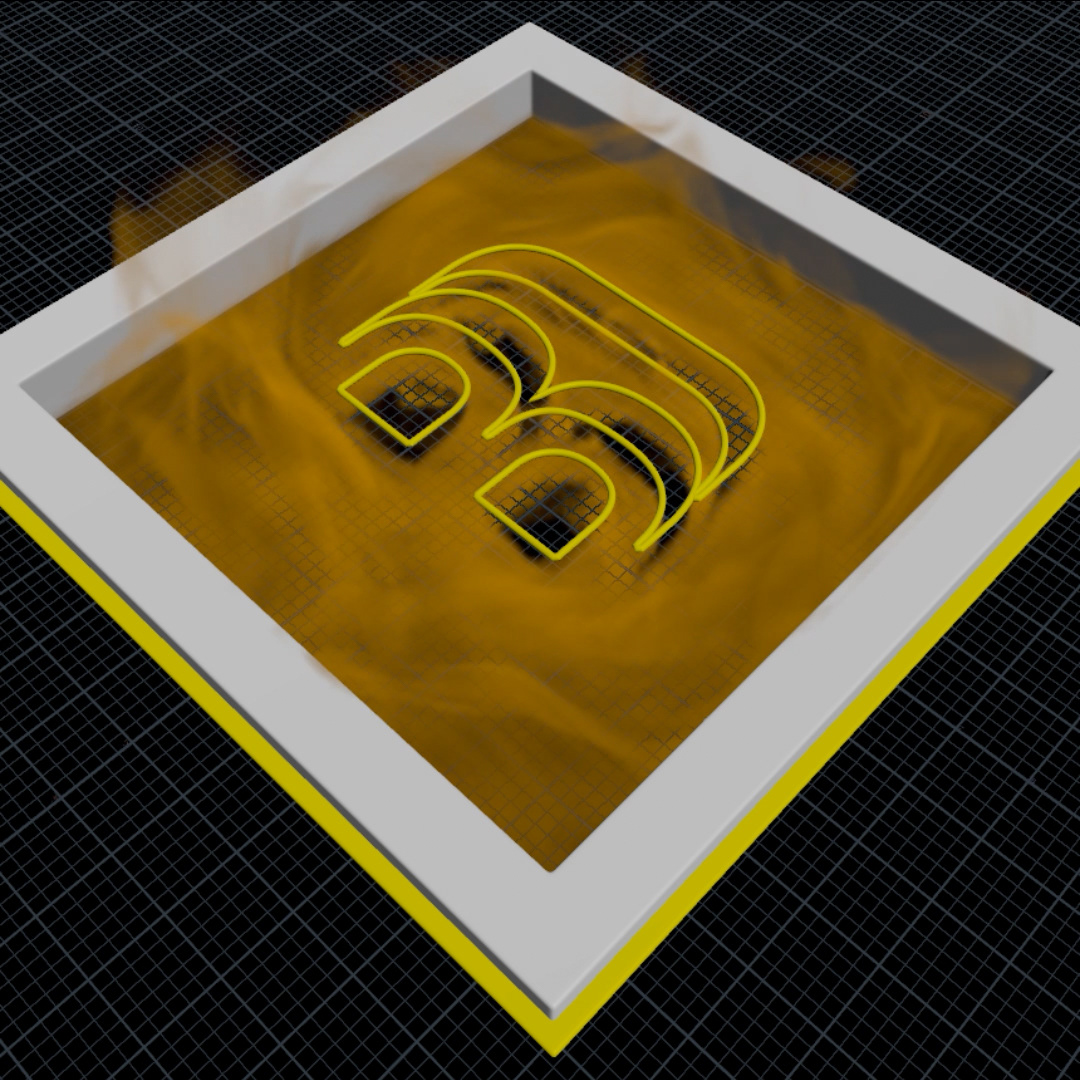
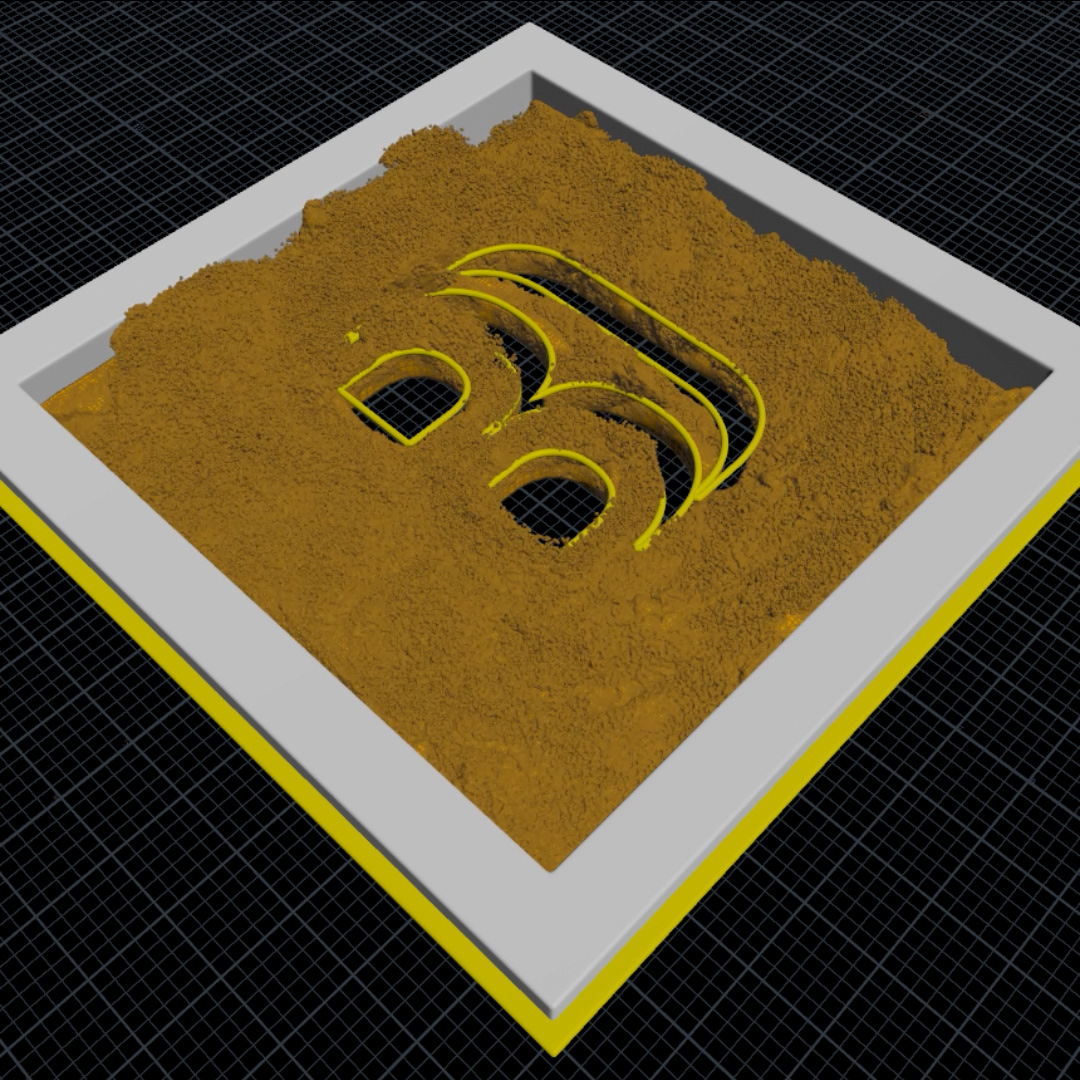
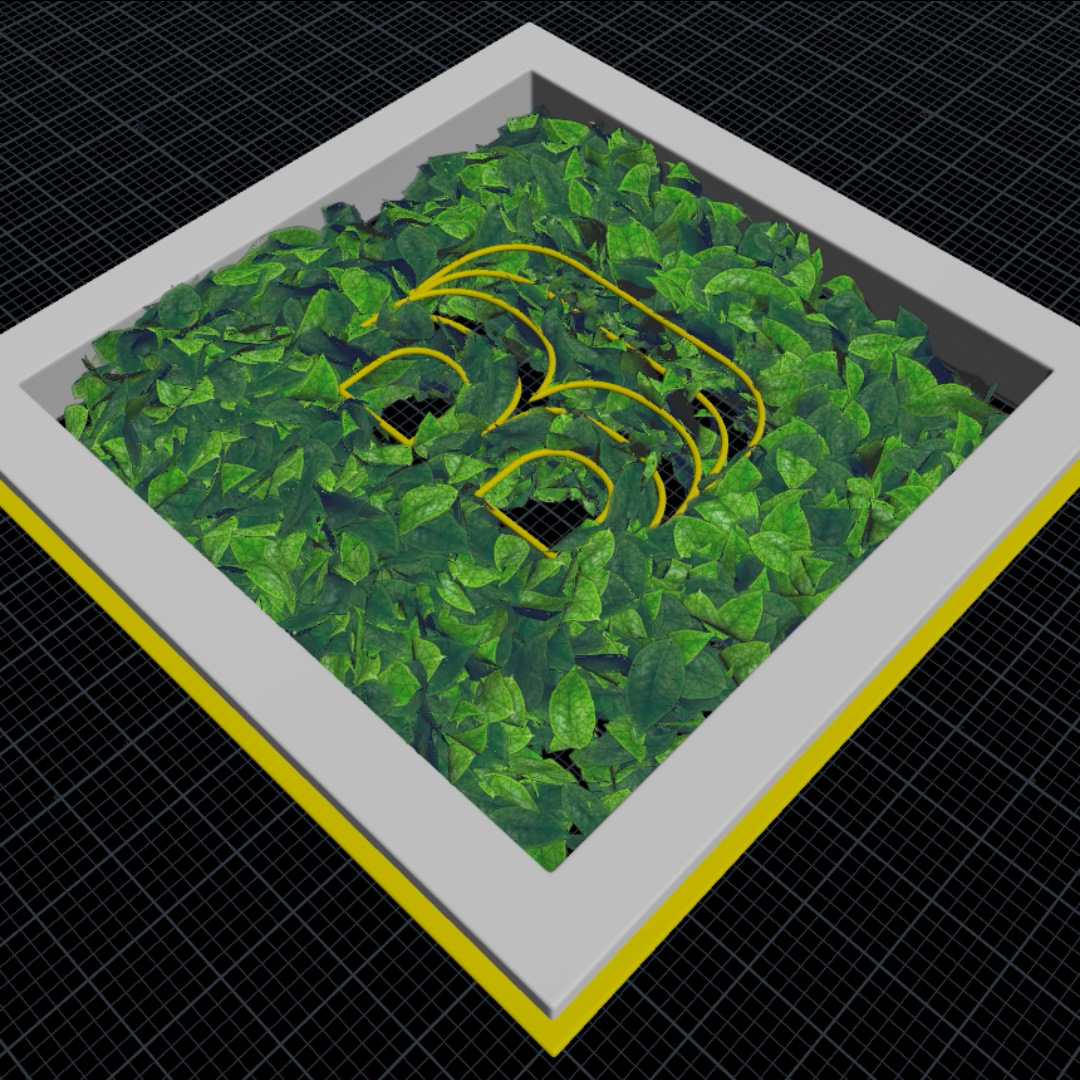
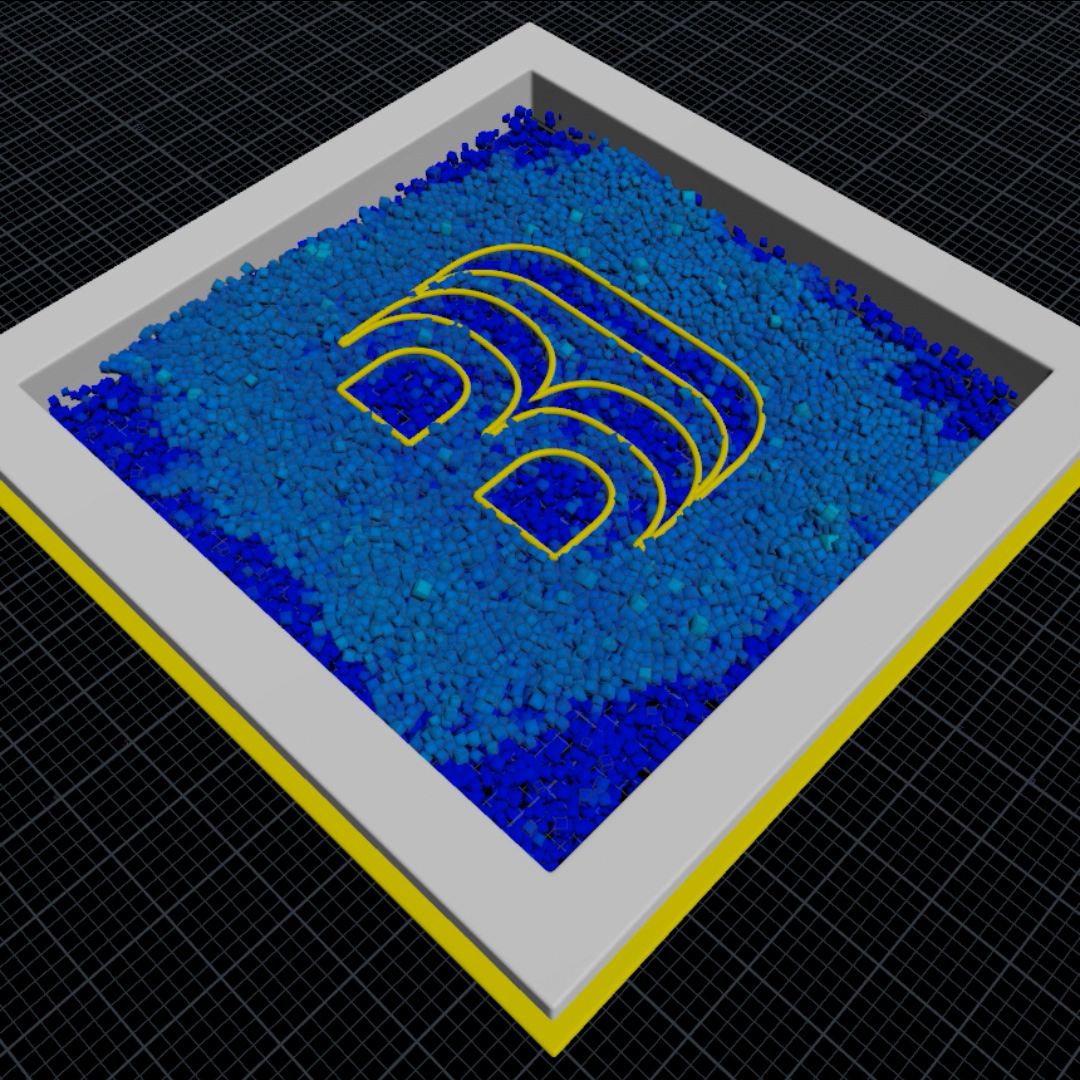
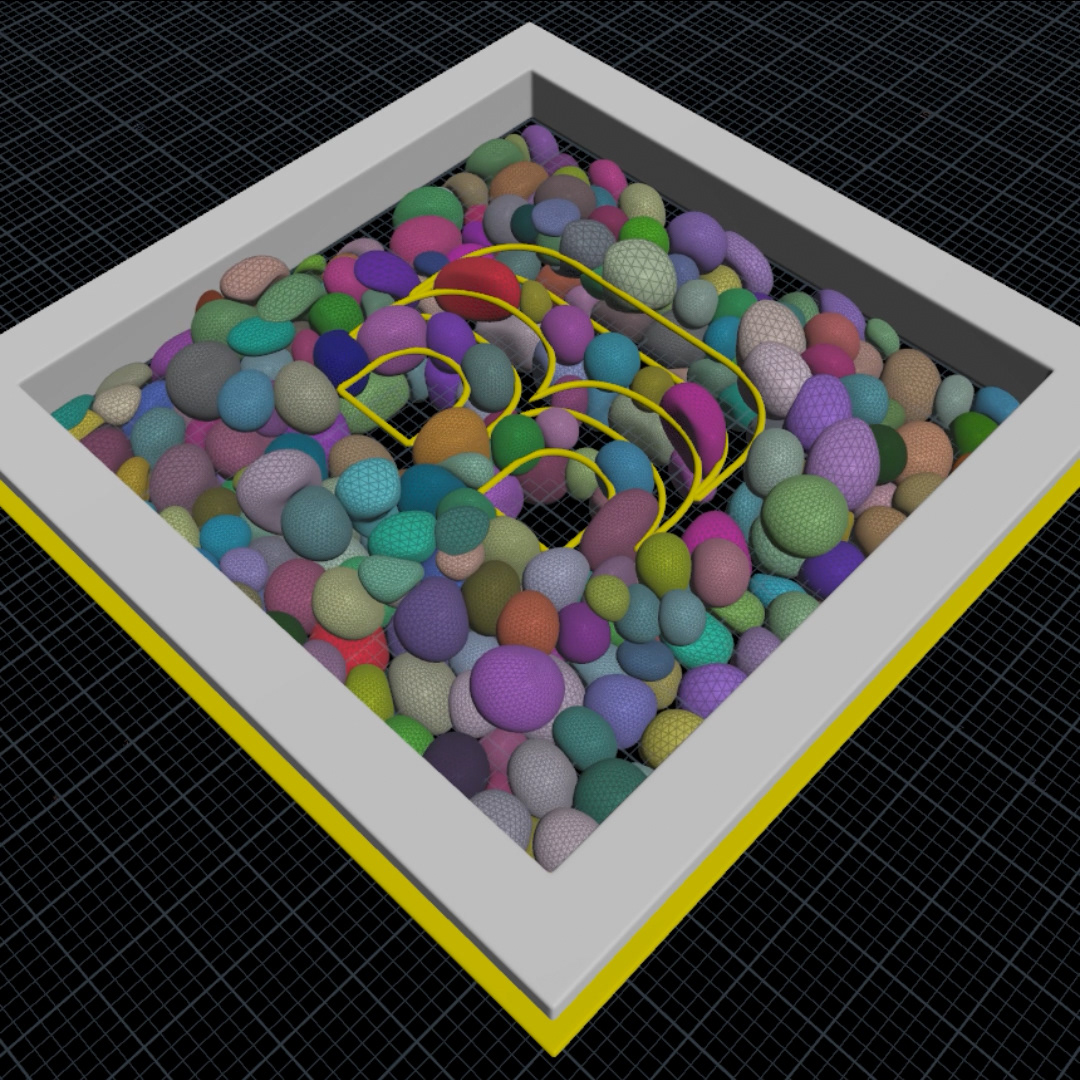
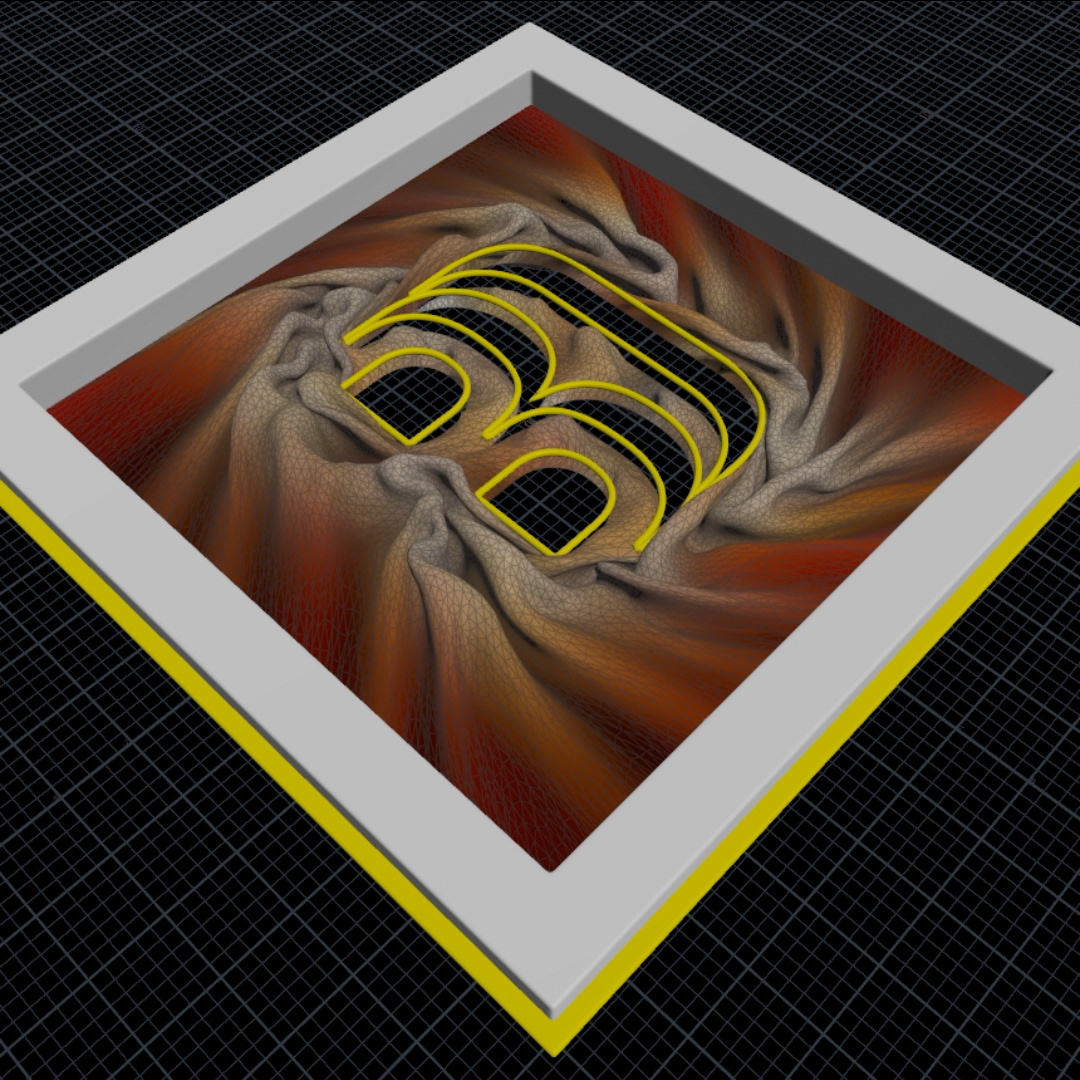
Exploring Houdini velocity fields: follow the free tutorial from Rabelway. At the beginning, I'm confused about the concept of a velocity field. Basically, we can use vectors to drive the velocity. Something interesting is that we can use a velocity field for any kind of simulation, from particle, vellum, pyro, or flip.
First, I create the vector from the tangent attribute of my logo curve, and then I use the tangent attribute for every point. Convert the tangent attribute to volume using volume vop and add some turbulence noise. One node to apply to every simulation is the pop advect by volume. After simulating, I render using Karma, learning about new nodes in solaris esspesially mtlxgeompropvalue to use any attribute in the mtlx shader. Follow the tutorial and finish it until rendering is kind of fun, and learn a lot of new things.
Learning Houdini is challenging for me; it's like problem-solving and arranging a puzzle. Hopefully, my Houdini & Blender journey will continue and be applied to my commercial project.
Cheers,..







For behind-the-scenes context, I also included a 3D viewport Houdini playblast.
Thanks for checking out my portfolio.